I’ve found my ideal format for shipping apps for personal & family use: PWAs, with an offline-first focus, rendering (mostly) entirely client-side. JavaScript is powerful enough to do pretty much anything these days - especially if you don’t have to write the code yourself.
PWAs#
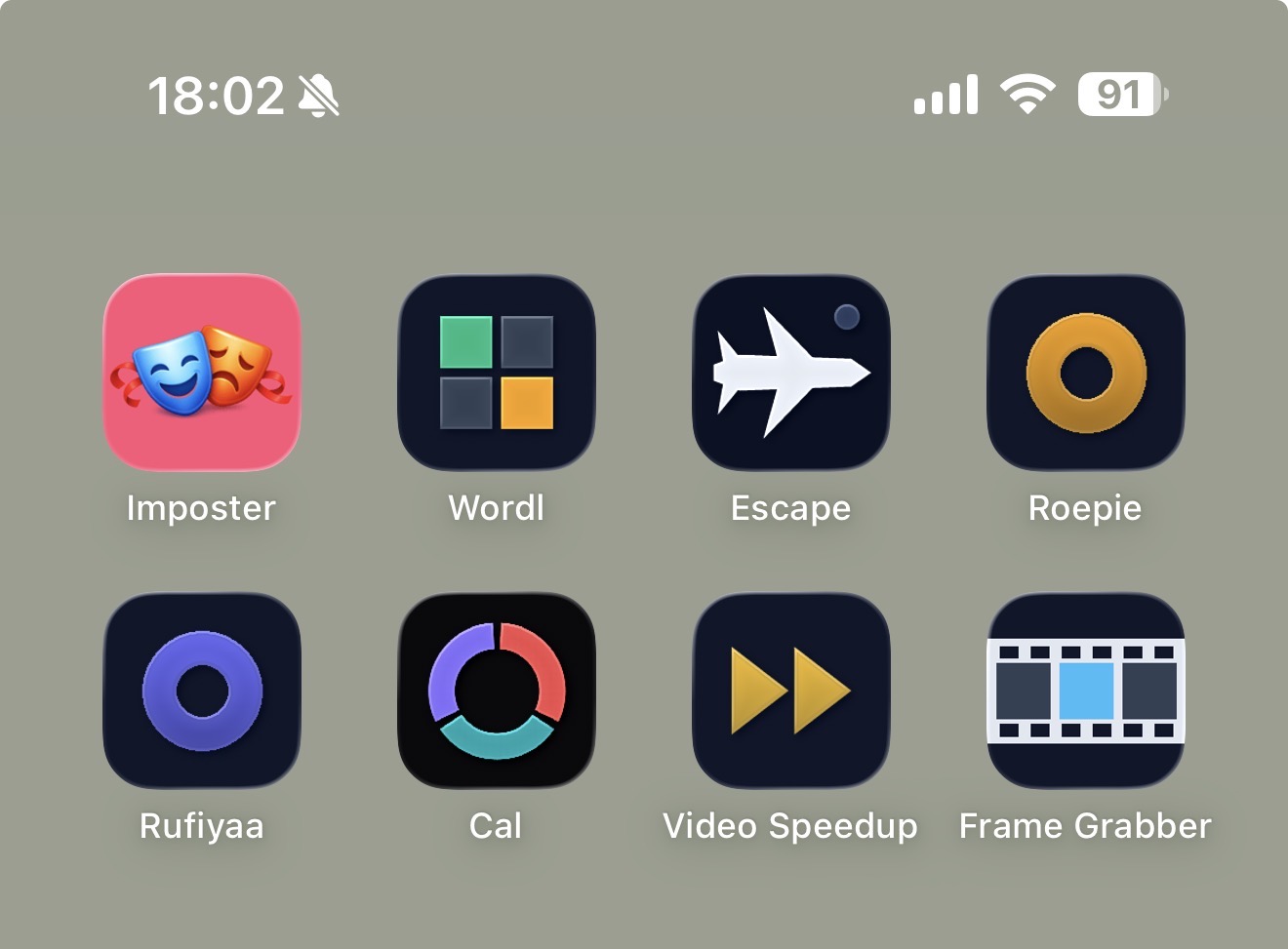
So what am I shipping: a mobile-only web application, with long client-side caching & a simple update mechanism. Add the website to your mobile phone’s home screen, and it behaves 99% like a native application, but is so much easier to maintain, deploy & install. Our family is all-in on the Apple ecosystem, so sideloading apps isn’t a rabbit hole I want to go down. But PWAs install with just 2 clicks.
A random collection of tools#
I started grouping random little tools at random.ma.ttias.be instead of giving each tool a subdomain. This is a single monorepo where I can prompt new (simple) tools into existence, with automatic rules around deployment. If (auto-generated) tests pass, it auto-deploys. It means I can just write a simple prompt, leave T3 code to work for 30 minutes and see the results directly on my phone.
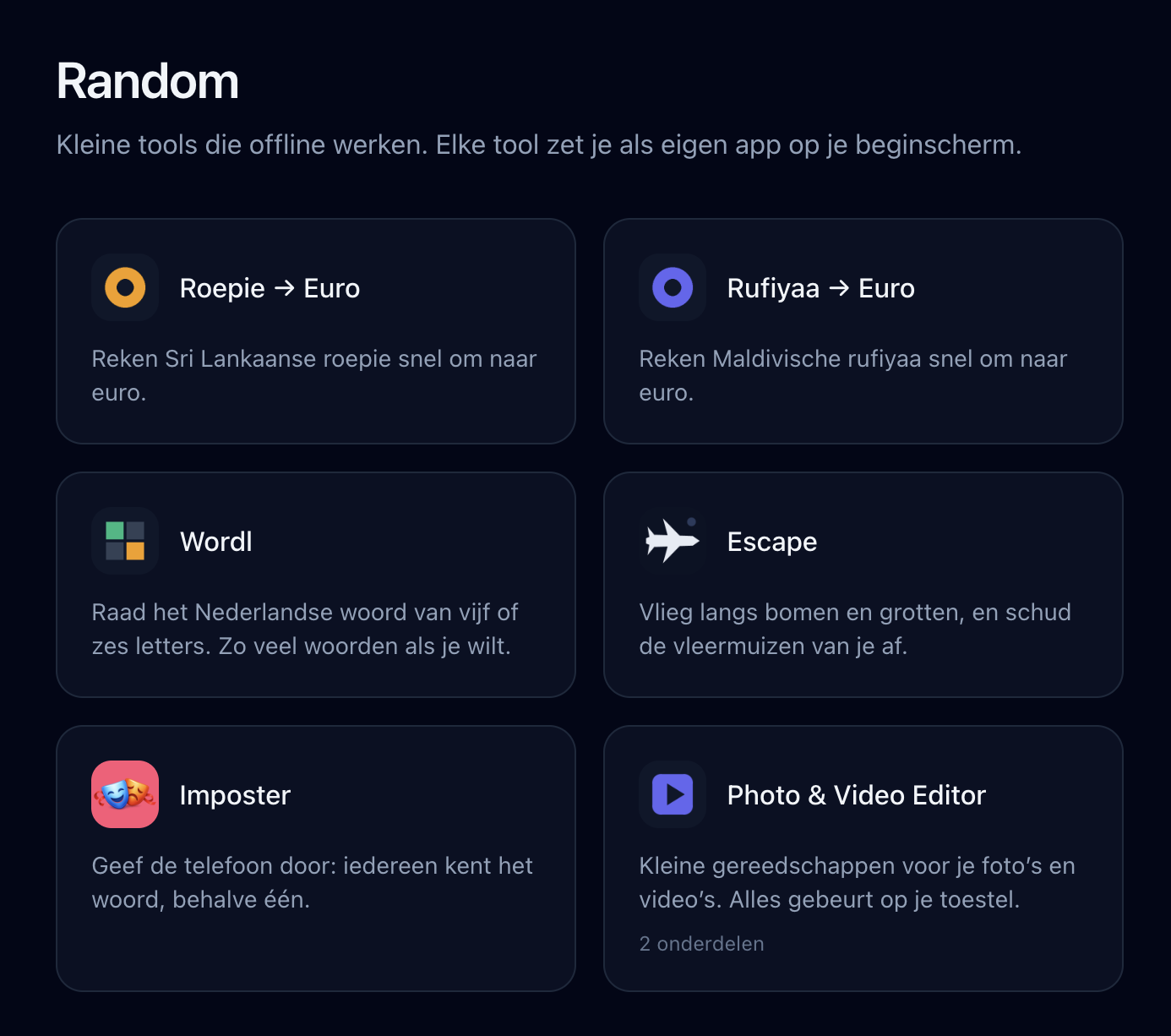
So far, I’ve added:
- Currency converters for Sri Lankan Rupee & Maldives Rufiyaa
- A few games built for the family (all in Dutch): Imposter , Wordl , Escape
- A Frame Grabber , to extract a still frame from a video (why this isn’t natively available on iOS, I don’t know)
- Video Speedup : because iMovie on iOS for some reason only allows up to 2x speedups of video 🤷♂️
To me, these showcase the variety of client-side JavaScript tooling: from a video editor to a (small) game engine, it all “just works”. It’s not commercial-grade software, but it solves my own problems just fine.
Non-negotiables for building PWAs#
My core lessons learned after iterating on this for a bit:
- Offline-first: assume there’s no internet connectivity, apps should load in < 1s and never be blocked by the network (
fetch().catch(-> cache)only fires when you’re truly offline; a slow network can still block for ~10s) - Simple hash-based updates: since we’re offline-first, a background fetch for a version check is needed. Show a simple top banner when a new app version is available, it’ll refresh the PWA and boom, app updated. Always serve from cache, refetch in the background
- Ensure sufficient spacing from the top, for the iPhone notch/camera (unusable top space)
- Add a simple PWA install prompt to each tool (I pulled mine out into pwa-install-prompt )
- Avoid iOS’s “copy to clipboard” when not needed, by applying correct CSS
- No webfonts
Lessons learned, as an agent skill#
Over the past few weeks I’ve grown the CLAUDE.md of that repo into a full set of rules that every tool in it follows. I’ve pulled them out into their own repo: github.com/mattiasgeniar/offline-first-pwa .
It’s an agent skill, so you can clone it into ~/.claude/skills/ and have Claude Code apply it to whatever you’re building, or point any other AGENTS.md-reading tool at it. It’s also just a checklist you can read. Service worker caching strategy, precaching, in-app update prompts, iOS home screen quirks, safe areas, and how to test any of it. Every rule in there is something I got wrong first.
The skill itself is AI-generated, distilled from the CLAUDE.md file that repo runs on. This post I wrote myself.